Combined input
Receive location and operational records after they have been coordinated by the KTS AVL Interface.
Operational data management
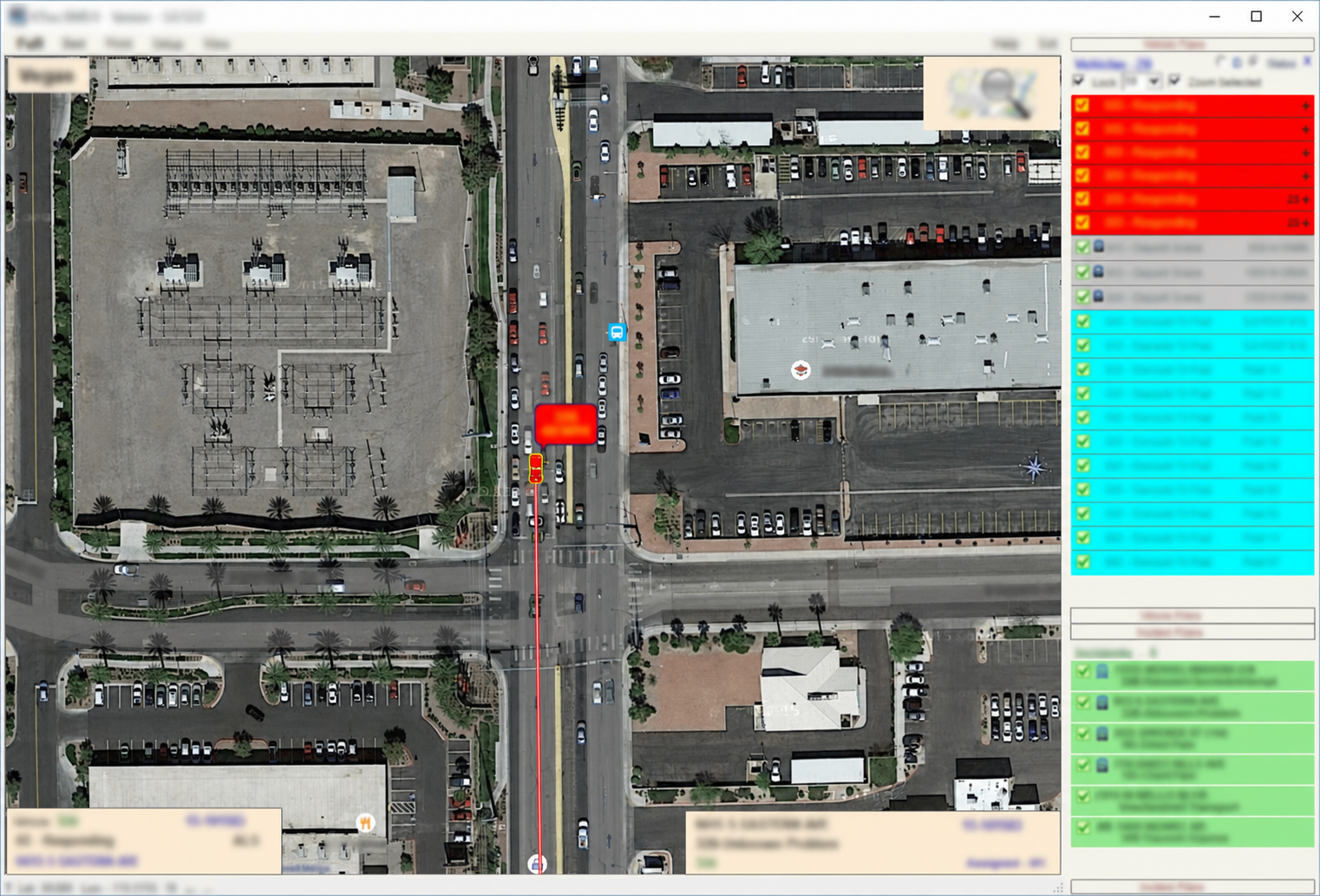
Receive combined AVL records and preserve them in your selected database for historical Playback, reporting, and analysis.
Preserve the operational record
DB Loader receives the combined data produced by the AVL Interface and writes it to the database selected for your environment.
Receive location and operational records after they have been coordinated by the KTS AVL Interface.
Write records to the customer-selected database that supports the deployment and retention plan.
Maintain the source history needed by KTrac Playback and other approved review workflows.
Reliable data history
DB Loader forms the handoff between real-time AVL information and the historical record. Its focused role keeps operational data available for later review.

Logging workflow
DB Loader keeps data capture straightforward while supporting the database and Playback configuration chosen for the operation.
Receive combined records from the AVL Interface.
Prepare incoming operational data for storage.
Log records to the selected customer database.
Make retained history available to KTrac Playback.
Protect the operational record
Talk with us about your database, retention needs, and Playback workflow.
Contact King Technical Services